
How to Go Viral on YouTube
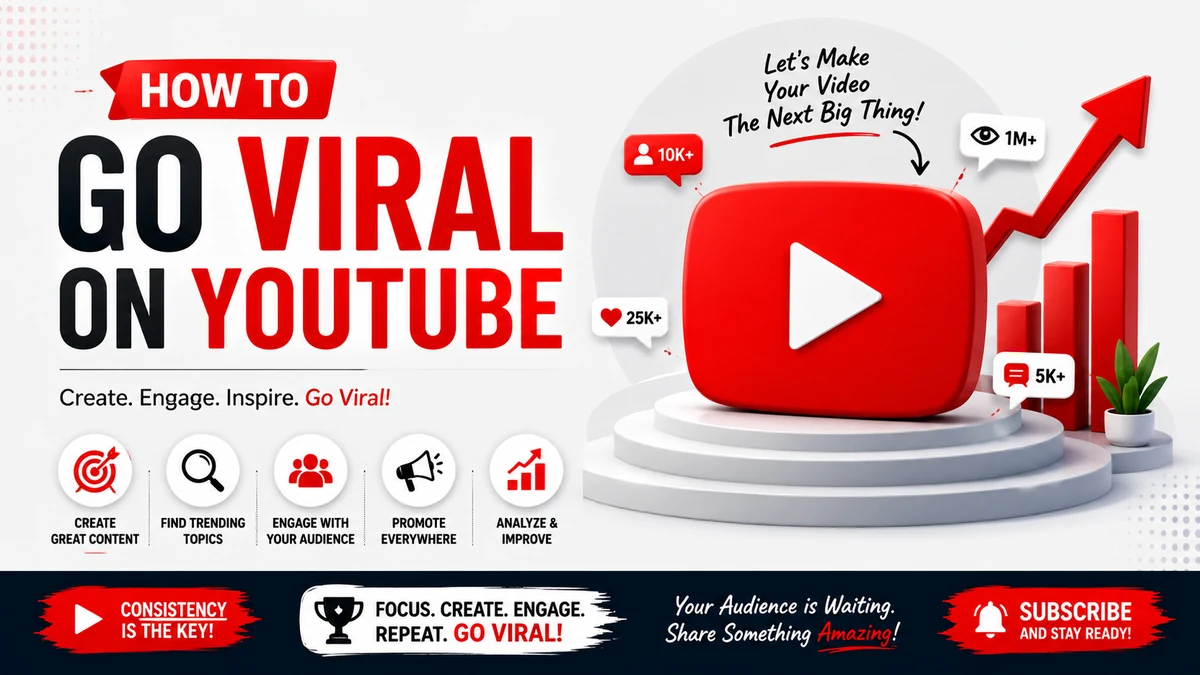
What is a Viral Video and what Does It Mean by Viral Video:
In simple words a viral video is a video that spreads within a short period of time to a large number of people and gains rapid views, likes, comments and also shares. That’s it.
And of course, your YouTube live streaming video can go viral for so many reasons such as educational, inspiring, emotional or it would be surprising to the GenZ people.
When people find the content interesting or relatable, they naturally share it with others, which increases its reach. Platforms like YouTube, Instagram, Facebook, TikTok, and X (Twitter) help videos go viral by recommending them to more users based on engagement.
But, but to be honest, going viral is not only about luck.
A viral video usually has a strong connection with human internal emotion and you know exactly that, good visuals, clear audio, and a meaningful message. It should connect emotionally or provide value such as entertainment or knowledge.
However,
Titles and thumbnails also play an important role in attracting viewers, there is no double on it.
How Do YouTube Videos Go Viral?
YouTube videos go viral when they quickly gain a high number of views, likes, comments, and shares, causing the YouTube algorithm to recommend them to a wider audience.
Here are few key factors play a crucial role for this growth:
- Strong Hook: The video should grab attention within the first few seconds to keep viewers watching.
- High Watch Time: You know that the Longer viewing duration is a signal that the content is engaging and valuable.
- Audience Retention: You also need to Keep in mind that viewers are interested throughout the video increases its chances of being promoted.
- Engaging Content: Videos that are entertaining, educational, inspiring, or problem-solving are more likely to be shared with people and friends.
- Eye-Catching Thumbnail: A visually appealing thumbnail encourages users to click on the video.
- Compelling Title: A clear and interesting title improves click-through rates.
- Relevant Keywords: Proper SEO helps the video appear in search results and recommendations.
- Consistency: Regular uploads help build audience trust and channel growth.
- Audience Understanding: Knowing what your viewers want increases engagement and loyalty.
Although there is no guaranteed formula for virality, creators who focus on delivering value, maintaining high production quality, and encouraging interaction have a much higher chance of success. Ultimately, YouTube promotes videos that keep people watching, sharing, and returning for more content.
Related Post: How to Increase YouTube Live Stream Views
Do you Really Need Buying YouTube Live Views in Order to Get Viral:
Just go and start a YouTube live stream is not just about pressing the “Go Live” button. The real challenge is always attracting viewers and also keeping them engaged, and making your stream visible in a highly competitive platform.
Factors like real-time audience count, interaction levels, and watch duration play a major role in how YouTube promotes your live content to new viewers.
Our YouTube Live Streaming service is designed to help you overcome these challenges and make your stream stronger.
No matter whether you are a content creator, business owner, gamer, educator, musician, or influencer, we help you create a more active and engaging live environment that naturally draws attention.
What Makes Our Service Valuable:
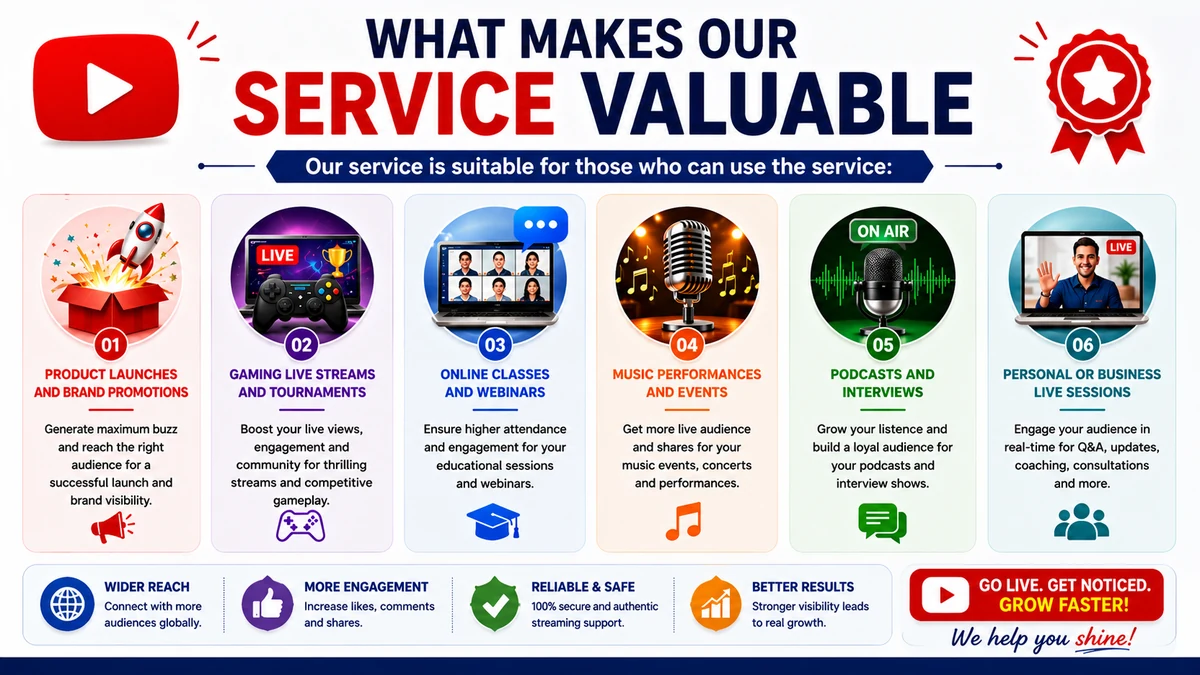
We focus on improving the initial visibility of your live stream, so that more real users are encouraged to join and interact.
A stream that already has viewers appears more trustworthy and interesting, which increases the chances of organic growth during the session.
Our service is suitable or those who can use the service:
- Product launches and brand promotions
- Gaming live streams and tournaments
- Online classes and webinars
- Music performances and events
- Podcasts and interviews
- Personal or business live sessions
We can surely ensure you a quick delivery, smooth execution, and reliable support so you can focus on your content.
How It Helps Your Growth:
A stronger live audience can improve engagement through comments, likes, and longer watch time.
This activity signals YouTube’s algorithm that your content is valuable, increasing the chances of wider recommendations.
Over time, this can help you build a loyal community and improve your channel authority.
When combined with high-quality content and consistent streaming, our service can significantly enhance your live performance and help you reach a larger, more relevant audience.
Our goal is to ensure your live streams get the attention they deserve and support your long-term YouTube growth.
Read more: Benefits of Buying YouTube Video Views
Step-by-Step Checklist for Coordinating with Your Influencer Circle
Before the Live Stream (3–7 Days Before):
- Create a list of relevant influencers, creators, partners, and brand advocates.
- Send a personalized invitation with the live stream topic, date, time, and YouTube link.
- Provide a media kit containing banners, thumbnails, captions, hashtags, and promotional images.
- Ask influencers to schedule posts on their preferred platforms before the event.
- Confirm who will share your stream and at what time.
- Send a reminder 24 hours before the live stream.
During the Live Stream:
- Ask influencers to share the live stream link again once the event begins.
- Encourage them to invite their audience to join the stream in real time.
- If possible, feature one or more influencers as guests or co-hosts.
- Monitor comments and acknowledge influencers who are supporting the broadcast.
- Encourage viewers to like, comment, share, and subscribe throughout the session.
After the Live Stream:
- Thank each influencer personally for their support.
- Share the replay link so they can continue promoting the content.
- Review analytics to identify which collaborations generated the most traffic and engagement.
- Gather feedback from your influencer partners to improve future live streams.
- Stay connected by engaging with their content and exploring future collaboration opportunities.
Following this workflow for every live stream helps you build stronger relationships with your influencer network, expand your audience reach and also don’t forget to create a repeatable promotion strategy that supports long-term YouTube growth.
Why Trending Topics Help You Gain More YouTube Live Stream Views:
If you can choose a trending topic it would be the smartest way to attract more viewers because when a topic is already popular, people actively search for updates, discussions then increasing the chances of discovering your YT live stream.
Trending topics also encourage higher engagement because viewers are more likely to comment, ask questions, and share the broadcast with others.
There are many studies on it. Successful live streamers regularly monitor current trends, industry news, seasonal events, and viral conversations to create timely and as well as relevant content.
However, it's important to choose trends that align with your niche and provide genuine value rather than chasing every popular topic.
A well-planned live stream with an engaging title, attractive thumbnail, and meaningful discussion can improve watch time, audience interaction, and overall visibility.
Promote Your YouTube Live Stream on Every Major Platform:
Promoting your YouTube live stream across multiple platforms helps to increase visibility, attract more viewers, and boost engagement. Instead of depending only on YouTube notifications, use a cross-platform strategy to reach your audience wherever they are active online.
On Facebook, share your live link on your profile, page, and relevant groups. Create a Facebook Event and post countdown updates. Pin your announcement for maximum reach.
On YouTube, schedule your stream early, use an attractive thumbnail, and post Community updates. Promote it in Shorts, video descriptions, and your latest uploads so subscribers can set reminders and it will help you to grow your youtube channel.
On Instagram, use Stories with countdown stickers, post teaser Reels, and add the link in your bio. Behind-the-scenes content and Collab posts help build excitement.
On X (Twitter), post announcements with hashtags, pin your tweet, and share reminders before going live. Live updates during the stream also increase engagement.
On LinkedIn, share professional posts highlighting the value of your live session. Tag collaborators and focus on educational or business benefits.
On WhatsApp, use Status updates and send direct invites to interested contacts. Keep messages personal and avoid spamming.
On Telegram, post countdowns, pin your live link, and remind members before the stream starts. Share highlights afterward to maintain engagement.
On Reddit, only post in relevant communities and focus on value-driven participation rather than direct promotion.
On Pinterest, create visual pins linking to your live stream for long-term traffic.
On your website or blog, embed the stream, add banners, and publish a short announcement post.
Use email newsletters to send scheduled reminders before and after the event. In Discord, announce in channels and tag members for notifications.
A simple timeline helps:
Promote 7 days before, build reminders at 3 days, intensify 24 hours before, push heavily 1 hour before, engage during the stream, and share highlights after.
Consistent branding, strong visuals, and clear calls to action across all platforms ensure maximum reach and better live stream performance.
Common Mistakes to Avoid in YouTube Live Streaming:
- Successful YouTube live streaming requires proper planning, testing, and audience engagement to achieve better watch time and channel growth.
- Always test your camera, microphone, lighting, and internet connection before going live to avoid poor video or audio quality issues.
- Promote your live stream in advance using social media platforms, email newsletters, and messaging apps to attract more viewers.
- Prepare your content or agenda beforehand and start the live stream on time to create a strong and professional first impression.
- During the stream, actively interact with viewers by responding to comments and keeping the conversation engaging and dynamic.
- Avoid using clickbait titles or thumbnails that do not match your actual content, as this reduces trust and viewer retention.
- Maintain clear audio, proper lighting, and a simple structured flow to keep your audience focused throughout the session.
- End your live stream by summarizing key points, thanking viewers for their time, and encouraging them to subscribe and return.
- Common mistakes include muted microphones, lack of promotion, ignoring live chat, and misleading titles, which negatively affect engagement.
- Fixing these issues improves performance, builds audience trust, and increases long-term viewer loyalty and channel credibility.
- Continuous improvement in planning, presentation, and interaction leads to better reach, stronger community building, and overall YouTube success.
YouTube Live Streaming FAQ You Need to Know:
1. What is YouTube Live Streaming?
YouTube Live Streaming allows creators to broadcast live video to viewers in real time. It is commonly used for webinars, gaming, concerts, product launches, Q&A sessions, tutorials, interviews, and live events.
2. How Do I Start a YouTube Live Stream?
Sign in to YouTube Studio, click Create → Go Live, choose your streaming method (webcam, mobile, or encoder), configure your settings, and start broadcasting once everything has been tested.
3. What Equipment Do I Need for a Professional Live Stream?
A quality camera, external microphone, stable high-speed internet connection, proper lighting, and reliable streaming software such as OBS Studio or Streamlabs can greatly improve your stream quality.
4. How Can I Get More Viewers on My Live Stream?
Schedule your stream in advance, optimize your title and thumbnail, promote it across social media, collaborate with creators, engage with viewers, and consistently deliver valuable content. That’s it….
5. Does YouTube Notify My Subscribers When I Go Live?
Yes. Subscribers who have only enabled notifications may receive alerts, but notifications are not guaranteed for everyone. Promoting your stream through multiple channels helps maximize attendance.
6. How Long Should a YouTube Live Stream Be?
I think that the ideal duration depends on your content and audience but I would say that focus on providing value rather than meeting a specific time limit.
7. Can I Schedule a Live Stream in Advance?
Yes. Scheduling your stream early gives viewers time to discover it, set reminders, and plan to attend because we know that sometime people are not ready to watch you live stream and,It may be people are busy with some work or may be other reasons, so it is recommended that schedule a live stream in advance helps viewers to be prepared.
8. Why is Audience Engagement Important?
Responding to comments, answering questions, and interacting with viewers encourages longer watch time, stronger community engagement, and repeat viewers.
9. Can I Monetize YouTube Live Streams?
A very big YES because If your channel meets YouTube's eligibility requirements, you may have access to monetization features such as ads, Super Chat, Super Stickers, Super Thanks, and channel memberships.
10. What Should I Do if Technical Problems Occur?
First of all, before going live, always check whether everything is perfect or not because it is not a good idea to have some error while your live stream is going on. But still if it happens then you must inform your viewers, troubleshoot the issue calmly, and resume the stream as quickly as possible. Testing your setup before going live helps minimize interruptions.
Conclusion with Pro Tips:
Going viral on YouTube is not about luck—it is the result of creating valuable content, understanding your audience, and consistently improving your strategy.
Focus on producing high-quality videos or live streams that solve problems, entertain viewers, or provide useful information. Use compelling titles, attractive thumbnails, relevant keywords, and promote your content across multiple platforms to maximize reach.
Stay updated with trending topics, engage actively with your audience, and analyze your YouTube analytics to understand what works best. Remember that not every video will go viral, but consistency and continuous learning often lead to long-term success.
Build trust with your viewers, encourage interaction, and keep refining your content based on feedback and performance.
Over time, these best practices will increase your visibility, grow your subscriber base, and improve your chances of creating videos that reach a much wider audience.